Casper Imaging - Wot, no scripts after Autorun?
Yes, yes, imaging is dead, I know. But if you manage Macs in an education setting, especially in a lab environment with lots of shared use, it’s still a great way to provision those machines (DEP isn’t quite there yet IMO). I’m not going to get into the thorny subject of monolithic vs thin imaging workflows etc, let’s not beat that horse! It’s not what this post is about anyway…
Following the Jamf Pro hotfix release for 9.97.1488392992 those of us who use Autorun Imaging had a bit of a surprise. Namely, if you have scripts in your Imaging Configuration set to run at restart (like a first run script), they would no longer run. In fact, the scripts weren’t even being copied onto the target Mac at all. If you did a postmortem and looked in /var/logs/jamf.log you’d have found this entry where the magic should have happened:
The script could not be found.
Frustratingly, this wasn’t addressed in the 9.98 update, and Jamf won’t fix it because it relates directly to the security hole they patched in 9.97.1488392992. Thanks to Chris Gachowski on Jamf Nation, there is a workaround.
1. Download your script(s):
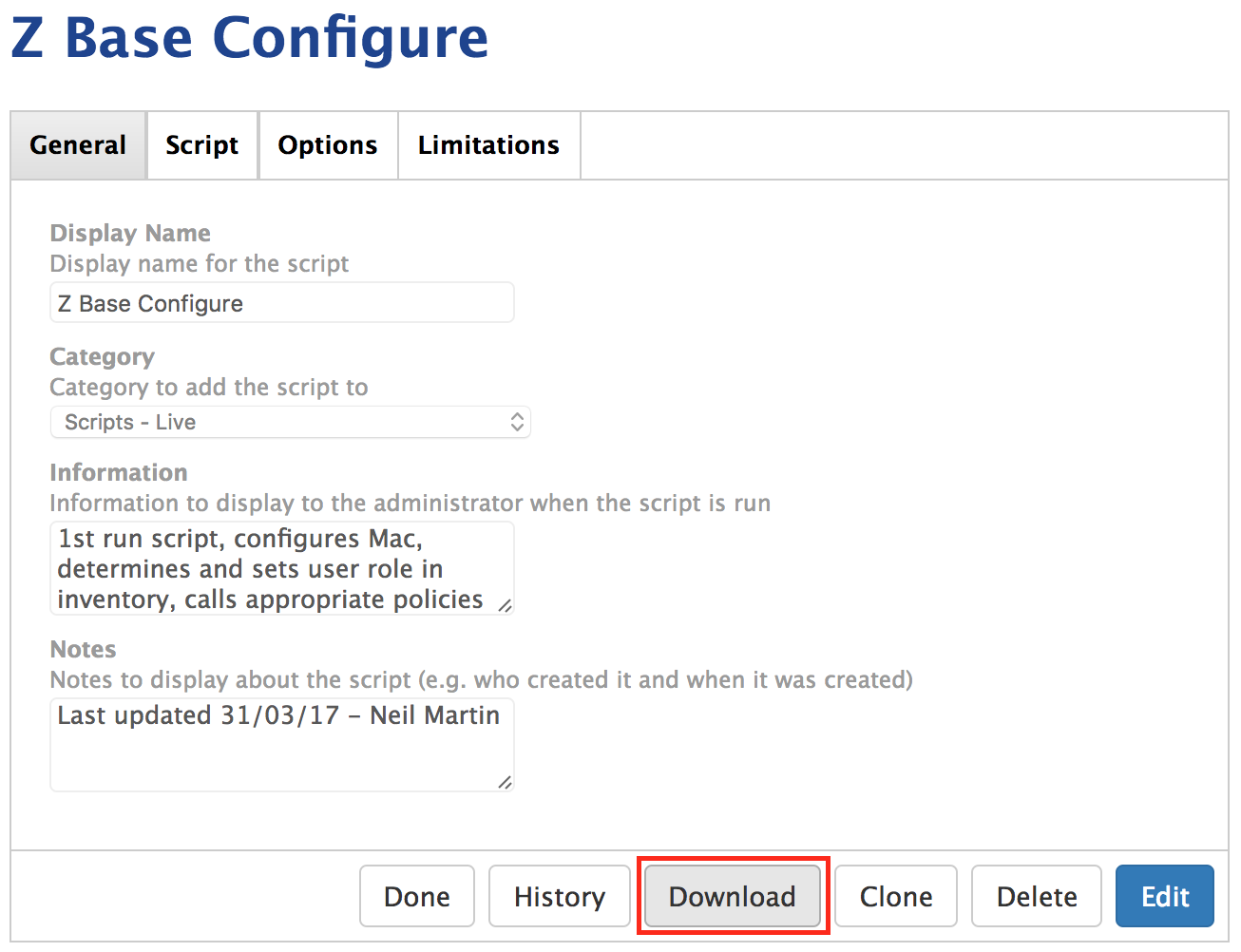
2. Rename it/them to remove the .sh extension:

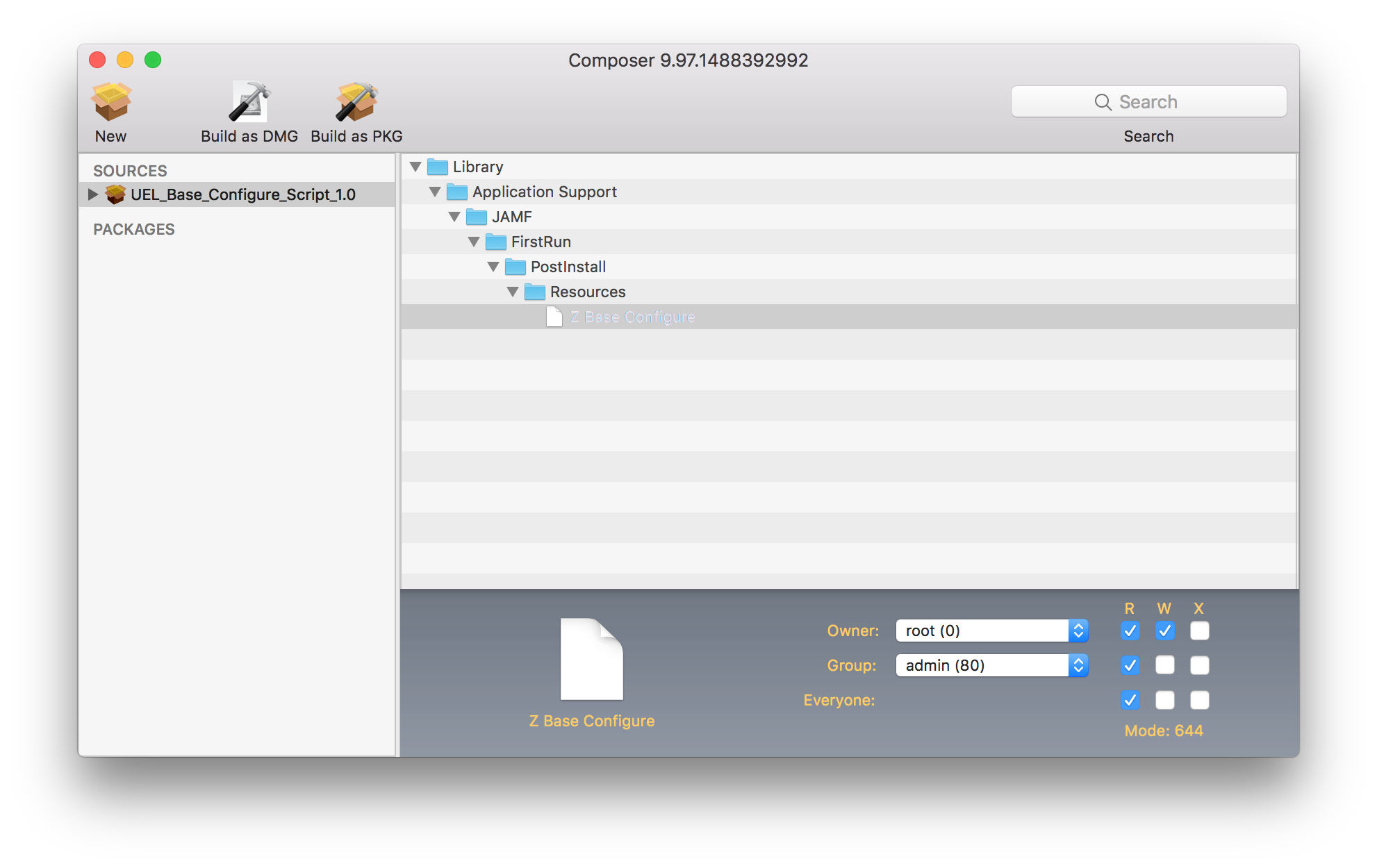
Package them with your tool of choice to make them install in…
/Library/Application Support/JAMF/FirstRun/PostIntall/Resources
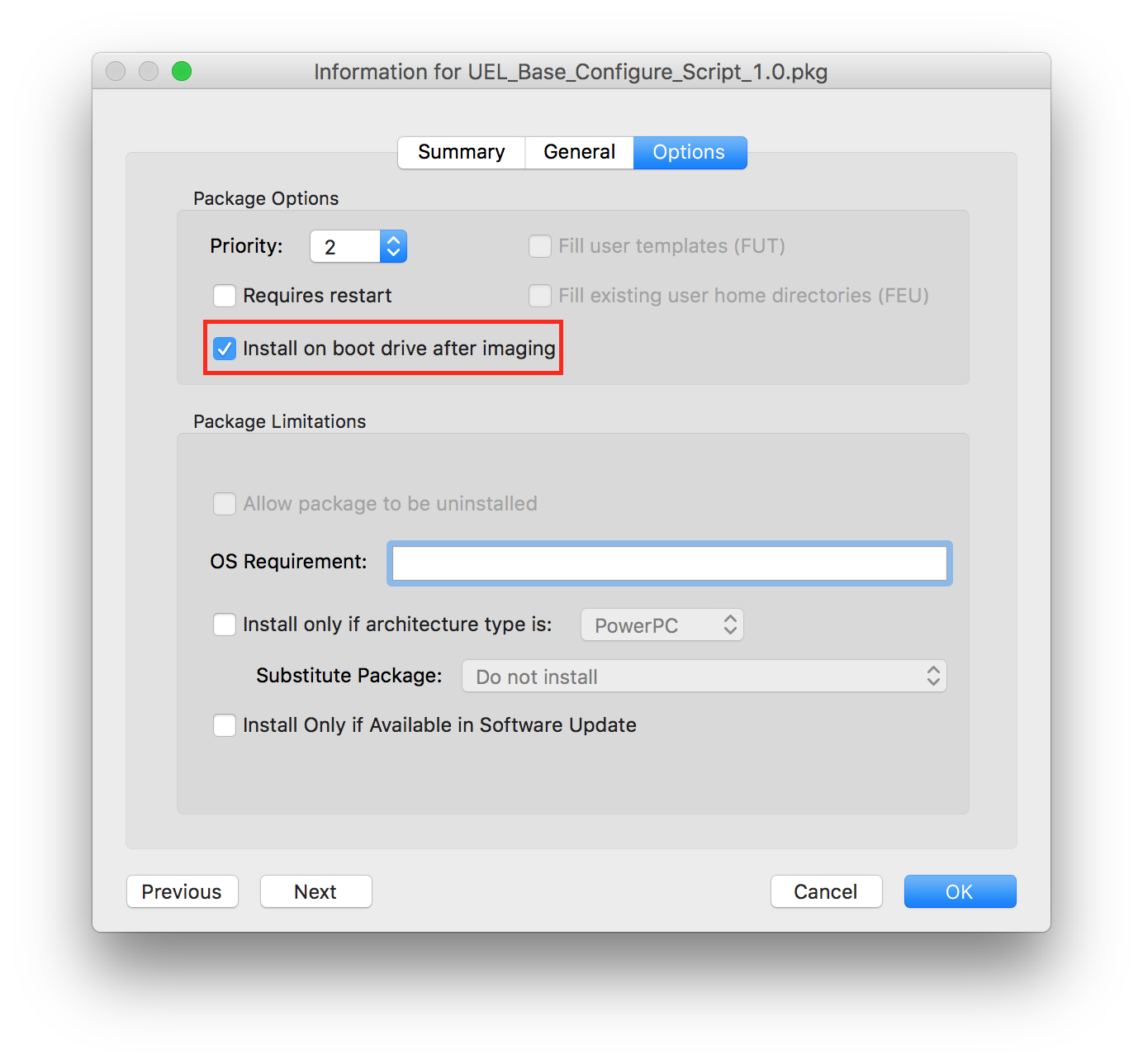
3. Ensure that the package is told to Install on boot drive after imaging:
(choose your poison - Casper Admin or the JSS/Settings/Packages)
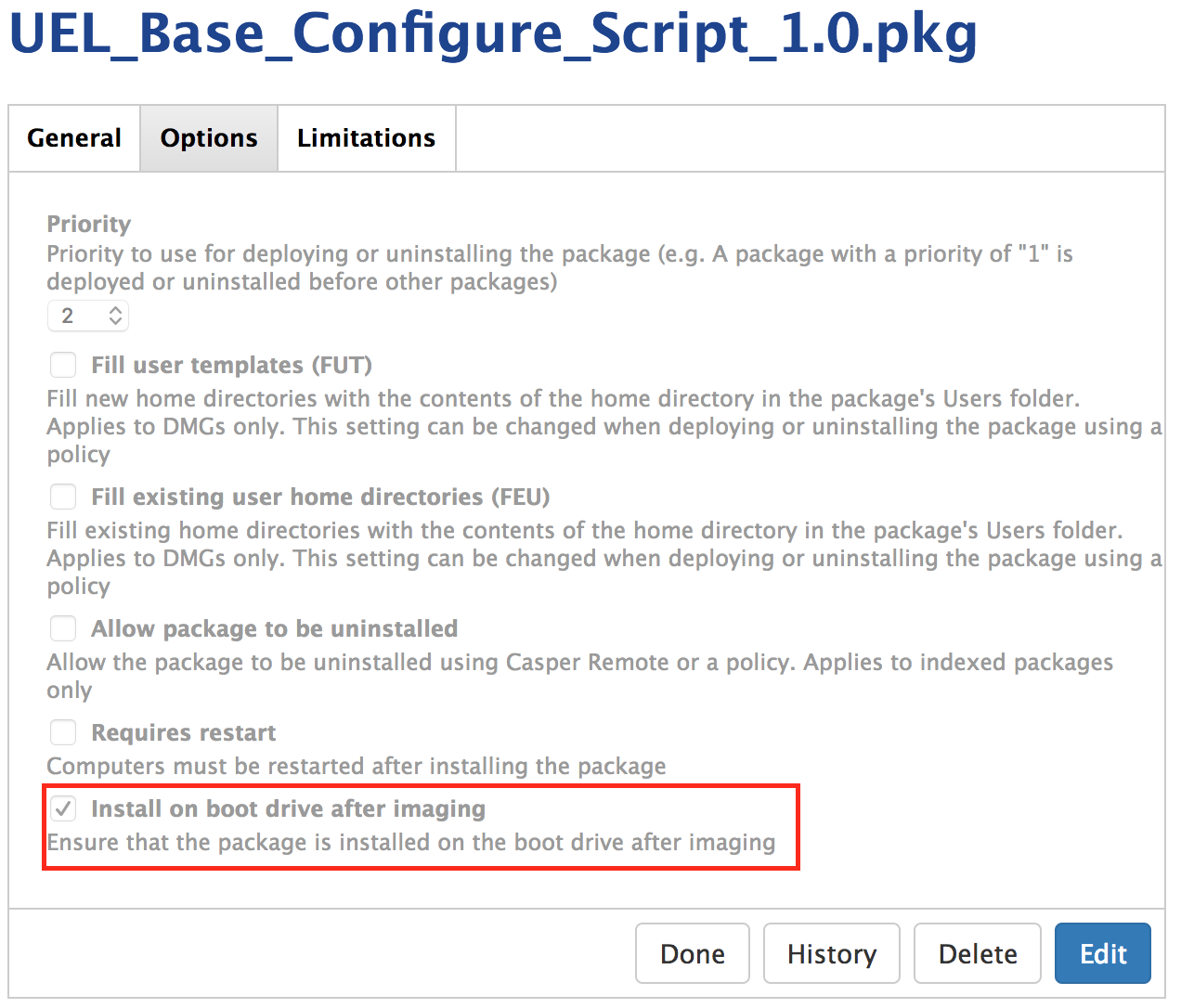
Finally, add that package to your Imaging Configuration and be sure to leave in place any references to the scripts that were there before. We’re just making sure the scripts will be installed where they’re expected to be when the Mac does its first restart after Casper Imaging has done its deed.
The downside to this is that whenever you make a change to your script, you’ll need to download and package it up again.
Huzzah! We can carry on using Autorun Imaging, at least until Apple kill imaging, but I reckon we have a couple of years left as older versions of macOS/OS X fade away. If the prospect of this scares you, file a radar and hope that Apple listen, then give those of us who work in lab environments a solution to provision those machines with the levels of automation we currently enjoy.