Jamf Pro Scripts - running commands in the current logged in user's context
I’ve already been using this technique for a while but today, thanks to our fantastic Mac Admins community, I’ve learned a little bit more about it, so it might be worth a blog post.
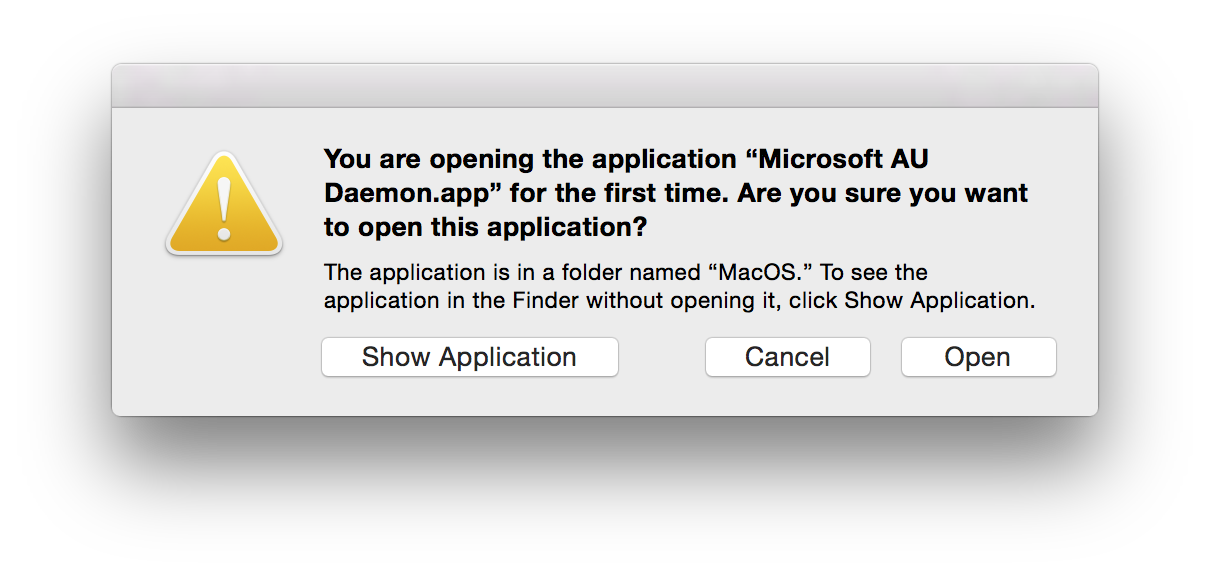
One interesting thing about Jamf Pro is that it can execute scripts during a policy run. Scripts executed this way are run as the root user, which is all well and good if you need to do stuff to the system as a whole with elevated privileges. But what if you need to run a command as if it’s being run by the current logged in user themselves as part of a policy? One example would be to use a utility like mysides to configure a their sidebar, or if you want to invoke lsregister to register an application so that user doesn’t see something this the first time it’s launched (kudos to @franton on the MacAdmins Slack for pointing out that this tends to be more of an issue for applications living outside /Applications as macOS takes care of those automatically, but I digress):
For a working solution, we need to do two things:
- Determine who the current logged in user is and set that as a variable
- Run your desired command as that user.
Determine the current logged in user
Thank’s to @macmule for this one - click here to learn more.
Run your command as that user
Keep your command in quotes and rinse and repeat that line for every further command.
There are a couple of commands that accomplish this, and after a nice little debate in #jamfnation on the MacAdmins Slack, it tends to boil down to personal taste as to which is the best and why (and where not to put hyphens - thanks @franton and @dog for pointing that out!).
Here’s an snippet of a script that runs dockutil to configure a user’s dock:
As a footnote, it’s worth noting that you can run scripts as the current logged in user with a fantastic tool, Outset, that’s used by many. This post is a way to achieve a similar goal if you have Jamf Pro and want to use its built-in framework. Skinning cats and all that…